 DuoCanvas
SEE HOW IT WORKS
Watch DuoCanvas in action.
Six short app recordings, with English captions and transcripts. Recorded in an earlier version; current controls may differ.
29 SECONDS
DuoCanvas in action
A 29-second tour of freeform photo cuts, custom collage layouts, photo grids, photo arrangement, and top-and-bottom video collages.
Watch demo →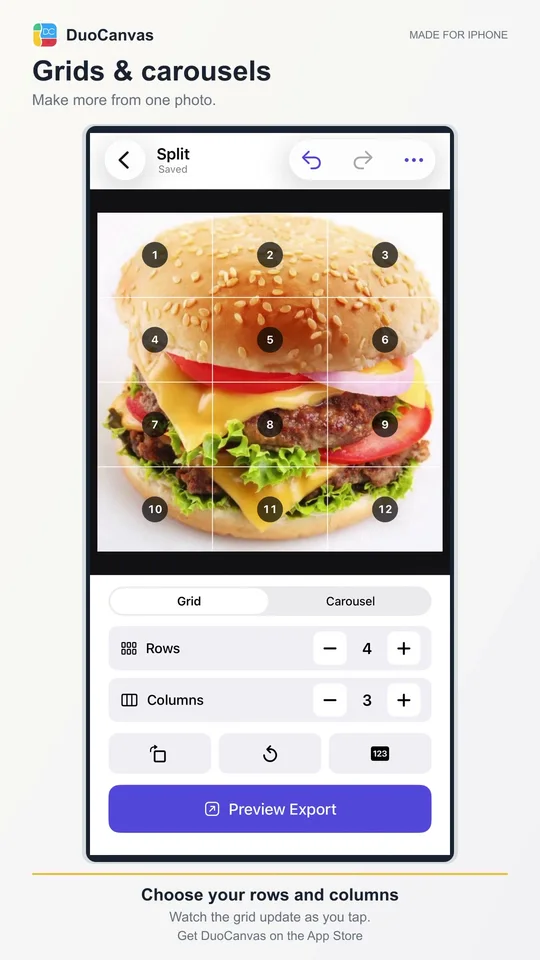
21.5 SECONDS
Photo grids and carousels
Adjust rows and columns, switch to Carousel, and change the number of connected slides in a real DuoCanvas editing session.
Watch demo →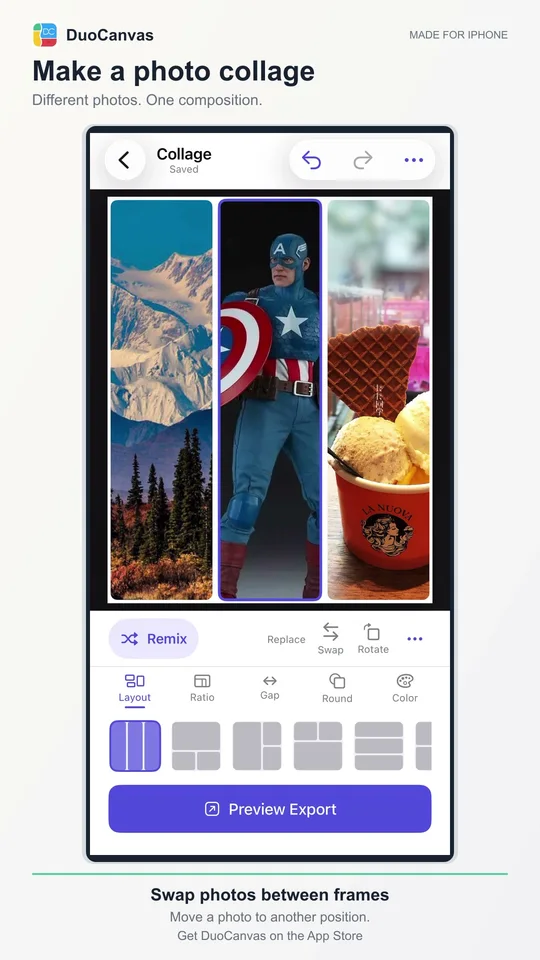
17.6 SECONDS
Arrange a photo collage
Drag photos to adjust framing, swap their positions, and refine a three-photo collage.
Watch demo →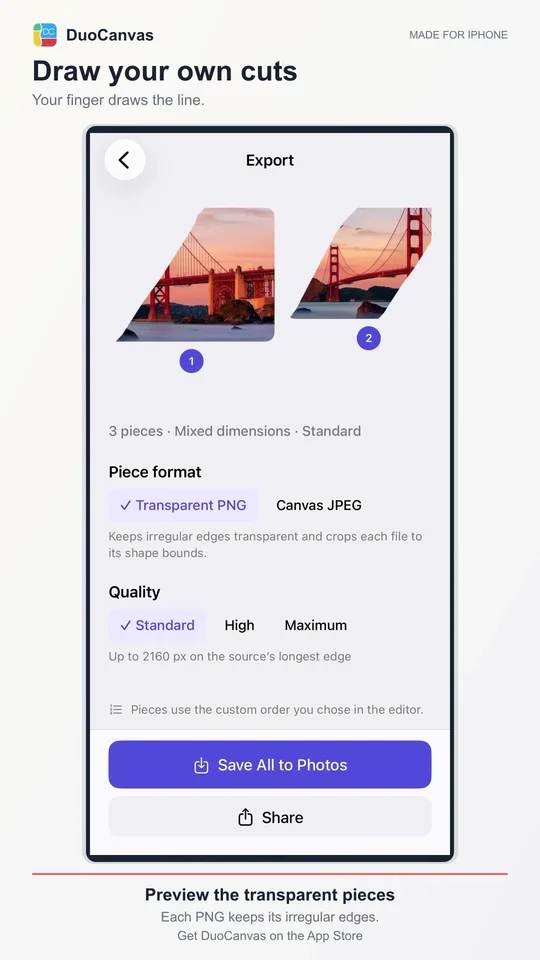
15.2 SECONDS
Draw freeform photo cuts
Draw through a photo to make custom pieces, then compare Transparent PNG and Canvas JPEG in the export preview.
Watch demo →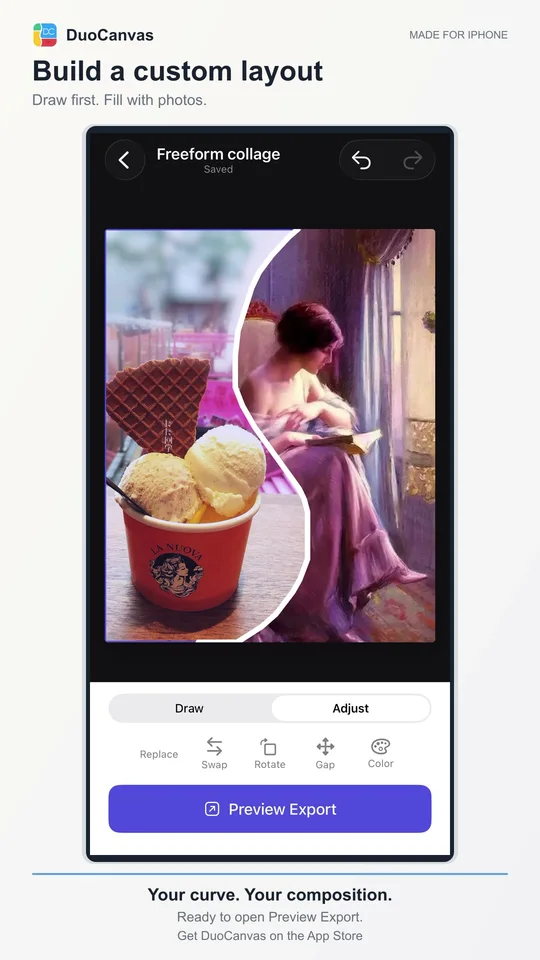
11.4 SECONDS
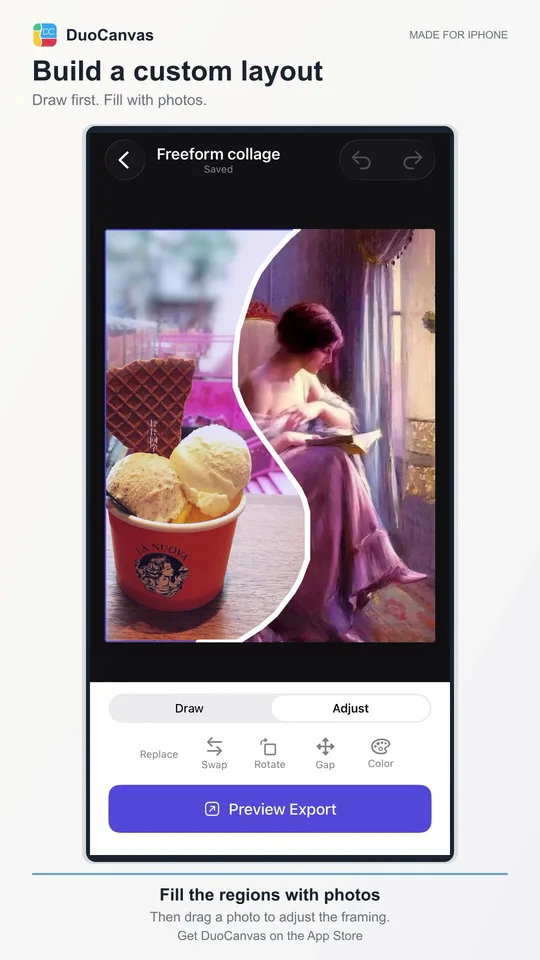
Draw a custom collage layout
Sketch an S-shaped boundary, fill the two regions with photos, and adjust the framing.
Watch demo →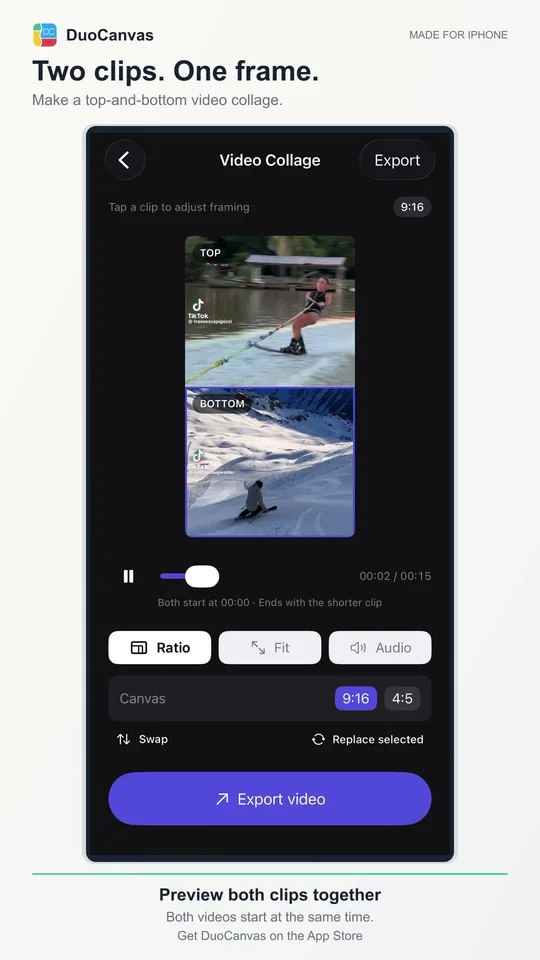
12.1 SECONDS
Preview a two-video collage
Choose a top clip and a bottom clip, then preview them playing together in one frame.
Watch demo →